
Insight & comms
The app that takes work off your front desk
Free on iOS and Android, for your members and for your center. Every operation a member closes on their own is one your front desk never handles.
Included in the Basic Pack, from €35/month · See the packs
Free for your members and for the center

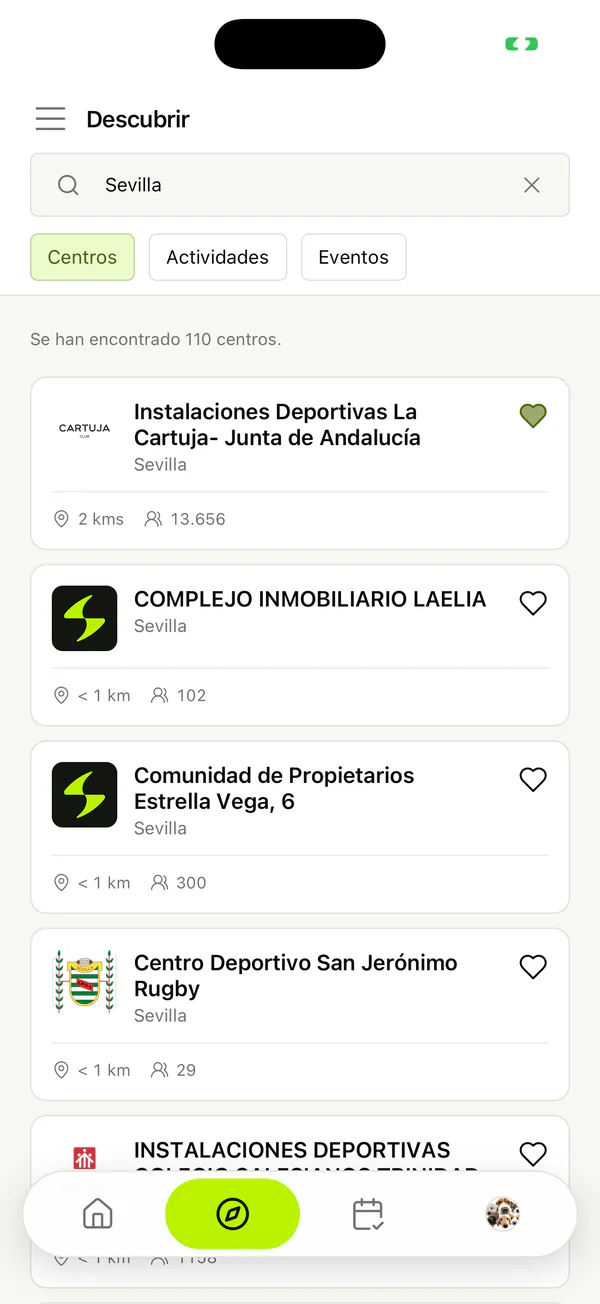
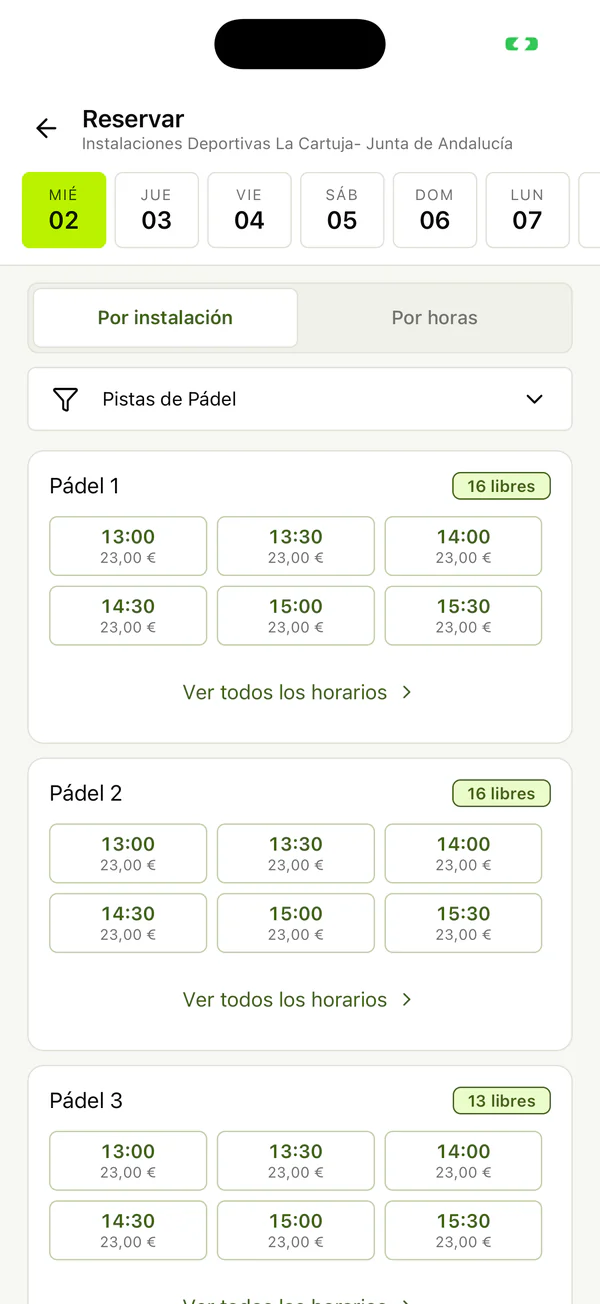
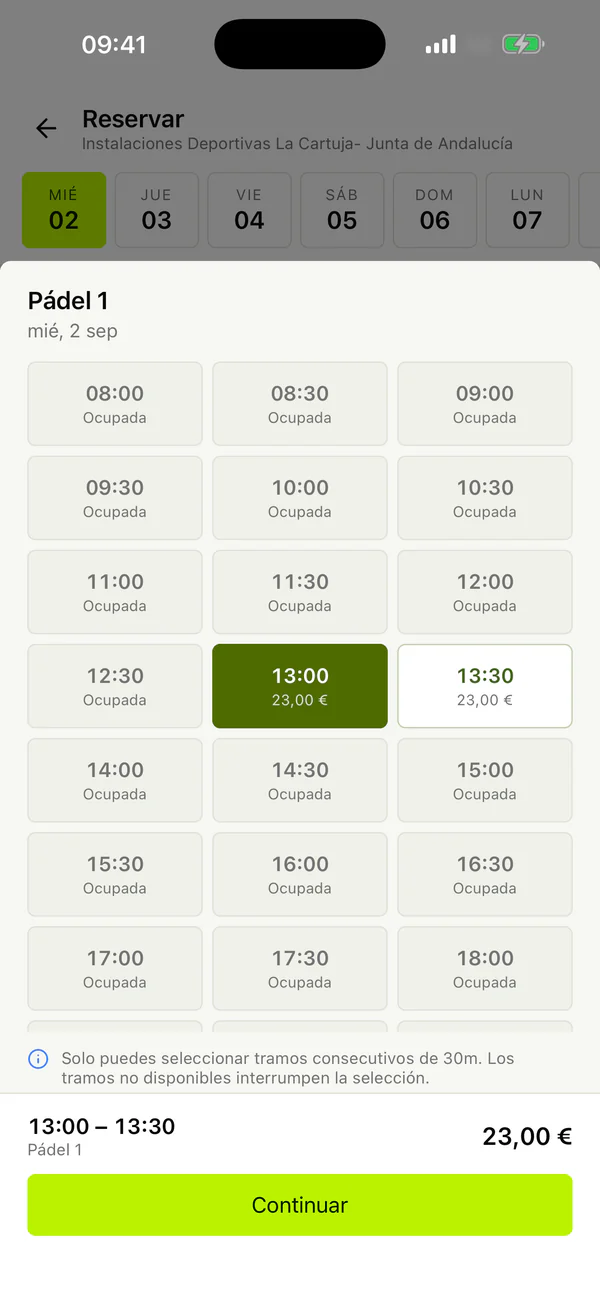
Screenshots of the Sporttia app, taken on iPhone.
Without going near your front desk
What your members sort out on their own
- €0
- for your center and for your members, on every plan
- iOS and Android
- and the browser too, with the same availability
- Register with their email, with Google or with Apple.
- Follow your center and see it with their details and their balance.
- Book, pay, enroll and get in without going to the desk.
- Check their schedule and their payment history.
What usually happens
- Reception's phone ringing all day to ask whether a court is free.
- Small amounts taken at the desk that cost more in time than they are worth.
- Enrollments that can only be done in office hours.
- Members who come in to be told what time their class was.
- Nobody knows whether a member is in debt until they are served.
Your desk serves fewer people and sells more
- They book without calling
- The phone stops ringing to ask whether a court is free. And hours get rented at eleven at night, with the center closed.
- They pay without setting foot in reception
- By card or with their balance. Three-euro payments stop costing five minutes of desk time.
- They sign up for courses themselves
- At eleven at night on the day enrollment opens, too. The September queue is over.
- And they let themselves in
- The credential lives on their phone, so nobody has to open a door or hunt for a card.
You decide how much self-service you want
- Open up only what suits you
- You can allow booking but not cancelling, or always charge up front. Every action is a permission you grant or withhold.
- Different for members and for the public
- Members book online and everyone else comes to the desk. Or the other way round, if that suits you better.
- And the grid can be anonymous
- You always see who booked. Whether your members see each other is up to you.
You manage from the browser; your members from their phones
The panel · used by the manager
- Configure facilities, rates and schedules
- Take payments at the desk and balance the till
- Close facilities
- Generate SEPA batches
- Pull reports and the annual report
- Point of sale
The app · used by the member
- See availability and book
- Pay by card or wallet
- Top up their balance
- Enroll on courses and events
- Open the turnstile and carry their keys
- Check their schedule and their payments
The same data, read at the same momentThere are never two versions of availability. And what a member can do is decided by the center, permission by permission.
Web to manage, phone to use. There is no management app for staff: taking payments, closing facilities or generating direct debit batches are front-desk operations.
- 1The panel is your tool: configure, take payments, close courts, run direct debits and pull reports.
- 2The app is your member's: book, pay, enroll, get in and check their schedule.
- 3Both read the same data at the same moment, so there are never two versions of availability.
- 4And you decide what they can do: every action depends on a permission you grant or withhold.
The detail, if you need itTables, conditions and hardware. The things you check before deciding.
What you should know
- There is no management app for your staff: taking payments, closing courts or running direct debits happens in the panel, in a browser.
- What a member can do is up to you. An app with everything locked down is good for looking things up and little else.
- Members have to follow your center to see it. Registering with Sporttia does not by itself give anyone access to any center.
Frequently asked questions
- Does the app cost me or my members anything?
- Neither. It is free on iOS and Android and comes with Sporttia. It is not a module bought separately.
- Is there a management app for my staff?
- No. Management always happens in the panel, in a browser: taking payments, closing facilities or running direct debits are desk operations. The app is built for the member.
- Does a member have to do anything to see my center?
- Yes: follow it. From that moment your center appears in their app with their details and their balance, and you see them in your member list. That is also the step that creates their record.
- Can I limit what they do from the app?
- Yes, and that is the norm. Every action depends on a permission, so you can give online booking to your members and not to the general public, or always require payment up front.
- Do they see the same availability as my desk?
- Yes. The app and the grid read the same data at the same moment. The only thing that changes is whether members see whose booking is whose, and that is up to you.
Work out how much desk time it saves
Thirty minutes with the sales team to see what members can sort out on their own in the app.
Book a demo